The Benefits of a Digital Filing System
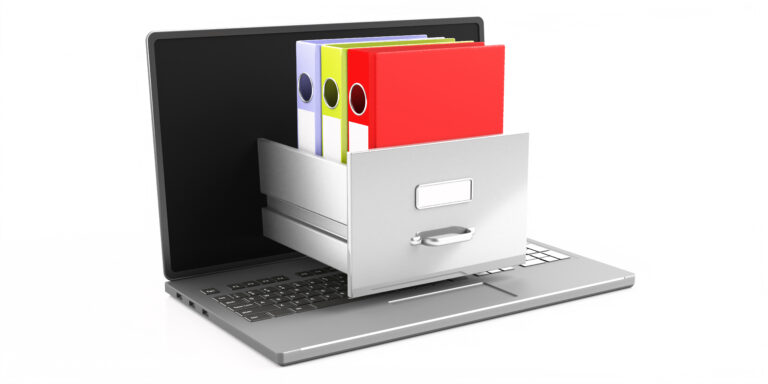
Honestly, who doesn’t dream of ditching those towering stacks of paperwork? A digital filing system might sound intimidating at first, but the benefits are undeniable. Think about it:
No more rummaging through endless boxes when you need a specific document. 🤯 Find what you need in seconds—it’s like having Google for your files! Search by keywords, dates, even specific phrases within documents. Imagine that!
And the best part? You can access your files from anywhere with an internet connection. 💻 Your home office, a coffee shop, even while on vacation—your paperwork is always at your fingertips.
Plus, going digital means saving space and protecting your precious documents from damage. Think about it: no more fire hazards or leaky roofs ruining years’ worth of important papers!
Table of Contents
Choosing the Right Software
Look, there are tons of digital filing options out there. Some are super basic, others are loaded with features you’ll probably never use. So how do you pick the right one for you?
First things first: think about what you actually need. Do you just want to store documents or are you looking for something that can also help you organize, edit, and share files?
Then consider ease of use. You don’t want a program so complicated it feels like you’re back in school taking computer science 101.
Some popular choices are:
- Adobe Acrobat Pro DC: Great for PDFs, but can be pricey.
- Microsoft OneDrive or Google Drive: Super easy to use and free to get started.
- Evernote: Awesome for taking notes, storing images, and organizing everything in one place.
Don’t be afraid to try out a few free trials before committing to anything. It’s all about finding the perfect fit! Remember, still if you find yourself stuck while dealing with digital documents, PDF Editing Buddy is always there with its free online tools to help out!
Scanning Your Papers Efficiently
Okay, so you’ve got your digital filing system in place. Now it’s time to actually get those papers scanned!
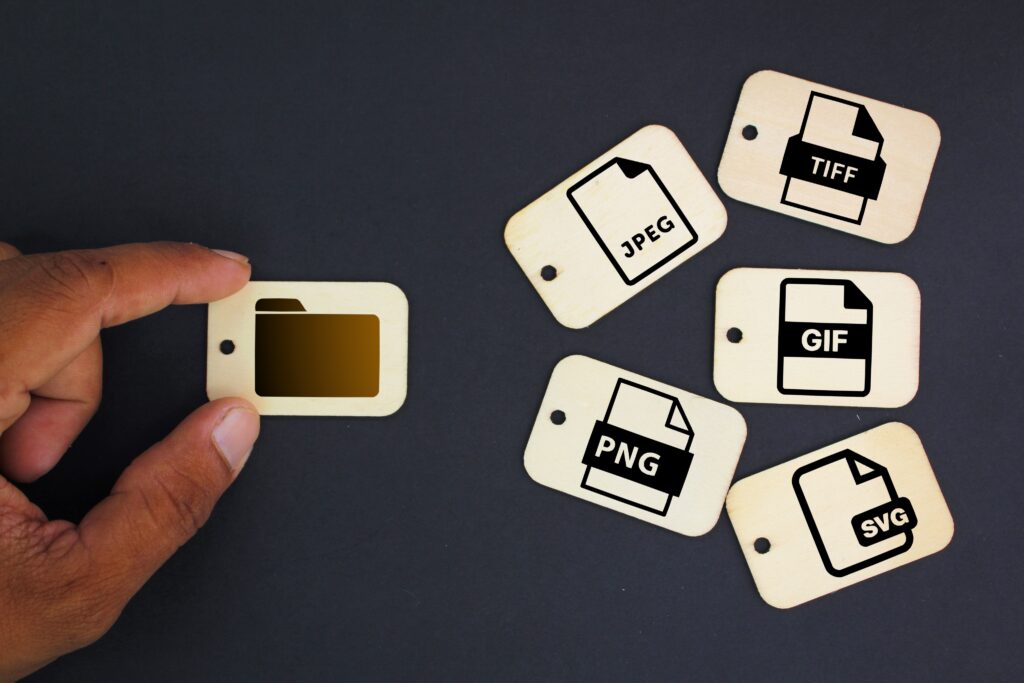
You don’t need a fancy scanner—a basic flatbed one will do the trick. Just make sure the resolution is high enough so that text and images are clear. Think about 300 DPI as a good starting point.
And here’s a tip: scan in batches! Instead of scanning one page at a time, grab a stack of similar documents and go for it. It saves time and makes the whole process smoother.
Once you’ve scanned everything, make sure to organize those files into folders right away. This will save you tons of headache later on!
Creating a Logical Filing Structure
This is where the real magic happens! Think about how you would find things if you were looking for them in your physical files. Then, translate that logic into your digital system.
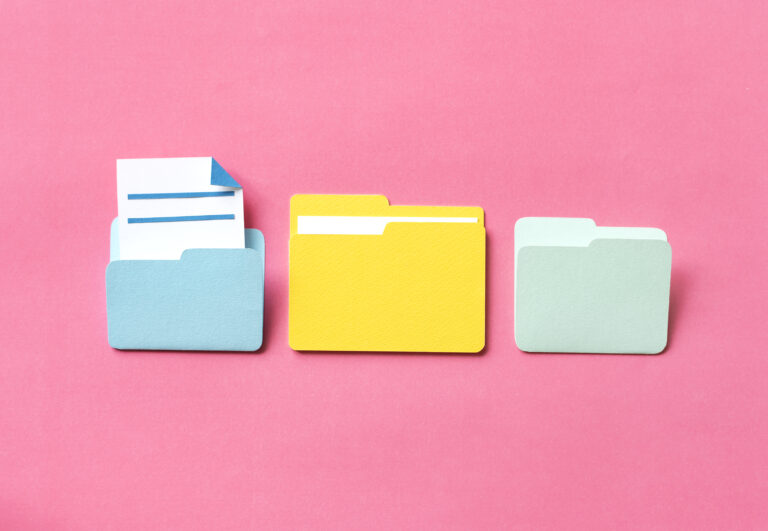
Start with broad categories—like ‘Finance,’ ‘Medical,’ or ‘Personal.’ Then break those down into subcategories:
- Under ‘Finance,’ you might have folders for ‘Bank Statements,’ ‘Taxes,’ and ‘Investments.’
- The ‘Medical’ category could include folders for ‘Doctor Appointments,’ ‘Insurance,’ and ‘Prescriptions.’
Be consistent! Once you establish your filing system, stick to it. Otherwise, you’ll end up with a digital mess just like the physical one you were trying to escape.
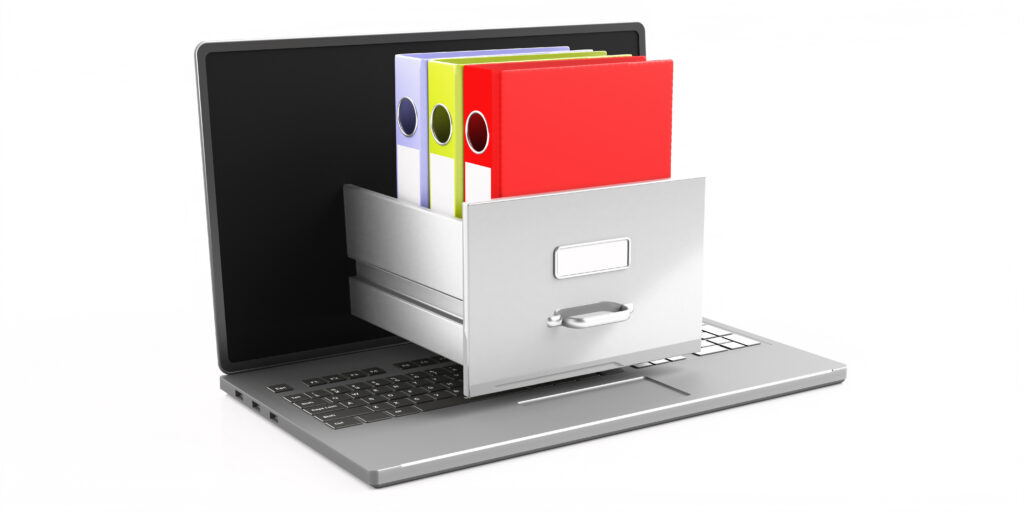
Optimizing Your Digital Filing Cabinet
So your files are scanned, organized—you’re a digital filing pro! But there’s always room for improvement.
Try using descriptive file names that include keywords so you can find things easily. Instead of just ‘Document1,’ go with something like ‘2023_Tax_Return_Smith.’ It seems small, but it makes a huge difference when searching.
And consider tagging your files with relevant keywords. Most software programs have this feature. Think of it as adding extra labels to your files—it makes them even easier to locate.
Oh, and don’t forget about backups!
Regularly back up your digital files to an external hard drive or cloud storage service. This way, if something happens to your computer, you won’t lose all your precious paperwork.
Maintaining Your Digital System
Here’s the thing: a digital filing system isn’t a set-it-and-forget-it kind of deal.
Think of it like keeping your physical files organized—you need to put things away regularly and get rid of what you no longer need.
Go through your digital files periodically (maybe every few months) and delete anything that’s outdated, unnecessary, or duplicates. And don’t forget to update your filing structure as needed!
By staying on top of things, you’ll keep your digital filing cabinet running smoothly.

Conclusion: Embrace a Paperless Future
You’ve come a long way! You’ve learned how to build your own digital filing system and keep it organized.
Now, go forth and embrace the paperless life!
Think about all the time you’ll save searching for documents, the space you’ll reclaim, and the peace of mind that comes with knowing your important papers are safe and sound.
And hey, if you ever need to edit or share a document, it’s just a click away!