The Benefits of Digital Mail Management
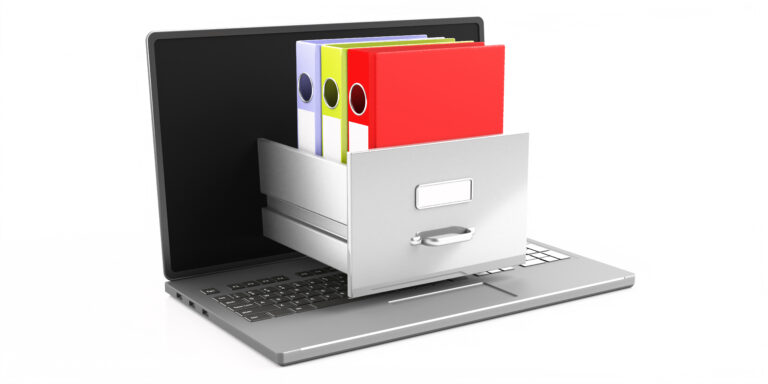
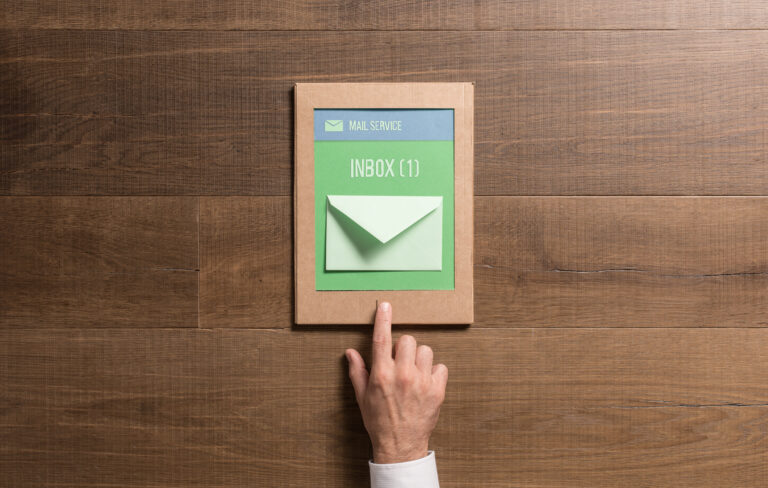
Think about it. Your inbox is already overflowing with digital clutter—emails, newsletters, social media notifications. Now imagine if all those pesky paper bills, junk mail flyers, and even important letters could magically appear there too? That’s the power of digital mail management, and it’s a game-changer for people who want to streamline their lives and ditch the physical chaos.
Honestly, the benefits are pretty clear. No more digging through piles of paper mail to find what you need. No more wasted time sorting junk from essential documents. And let’s be real—it just feels good to have a clean, organized workspace. Plus, digital mail is searchable! Gone are the days of frantically flipping through envelopes and hoping for the best.
With a simple mail forwarding service, you can access your mail from anywhere with an internet connection—your phone, laptop, tablet—you name it. Talk about convenience!
Table of Contents

Choosing the Right Mail Forwarding Service
Alright, so digital mail sounds great, but how do you actually get started? Well, first things first: you’ll need to choose a mail forwarding service. And let me tell you, there are a lot of options out there! Some popular choices include EarthClassMail, Reship, and Inboxes. Each service offers a slightly different set of features, so it’s important to do your research and find the one that best suits your needs.
Think about factors like pricing, storage space, scanning quality, and customer support when making your decision. Don’t be afraid to read online reviews and compare different options before you commit.

Setting Up Your Mail Forwarding Account
Once you’ve chosen a service, setting up your account is usually pretty straightforward. You’ll likely need to provide some personal information, choose a forwarding address, and verify your identity. Some services might even offer a free trial period so you can test things out before you sign up for a full subscription.
Think of it like this: it’s just a matter of providing the service with the right instructions. Tell them where to send your physical mail, and they’ll take care of the rest!
Customizing Your Mail Forwarding Preferences
Now comes the fun part: customizing your mail forwarding preferences. Most services allow you to specify how you want your mail handled, scanned, and delivered. Do you want every piece of mail digitized? What about just important documents? Maybe some bills need to be opened and sorted first?
You can usually set up rules for different types of mail, ensuring that only what’s essential gets forwarded digitally. Some services even offer the option to shred unwanted mail before it reaches your inbox. It’s all about finding the perfect balance between convenience and control.

Accessing Your Digital Mail
Alright, so you’ve set up your account, customized your preferences, and now you’re ready to access your digital mail. This is where things really get convenient!
Most services provide a user-friendly online portal where you can view, download, forward, or even print scanned documents. Some even offer mobile apps so you can manage your mail from anywhere, anytime.
Addressing Common Mail Forwarding Issues
Of course, like any service, mail forwarding isn’t always perfect. You might encounter occasional delays, scanning errors, or issues with certain types of mail. If you run into a problem, don’t panic! Most services have excellent customer support teams that are happy to help resolve any issues you might be facing.
Check out their FAQ section first, as they often have answers to common questions. And if you can’t find what you need, reach out to their support team via email or phone—they’re usually pretty responsive.

Conclusion: Embracing a Digital Mail Future
So, there you have it! Digital mail management is becoming increasingly popular for good reason—it’s efficient, convenient, and ultimately saves you time and hassle. If you’re looking to simplify your life and embrace the future of mail handling, consider giving it a try. You might be surprised at how much easier it makes things!
And remember, if you ever need help with any aspect of this process, don’t hesitate to reach out to pdfeditingbuddy.com. We’re here to help!